FULL-DAY RECORDINGS
24-hour video archives
Long-form video records preserve the progression of events across a day, giving researchers the opportunity to study changes before, during and after an eruption.

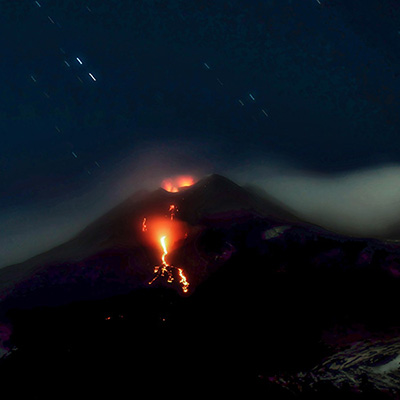
Video records of a changing planet, shared in the service of science.
afarTV is working with scientists around the world, sharing volcano video data to support research into eruption prediction and the refinement of early warning systems.
Fixed cameras record the same landscapes through changing conditions. Their video records allow researchers to revisit events, examine how activity develops over time and build datasets for further study.
We welcome conversations with volcanologists, climate scientists and research teams who can put these observations to work.
We have years of archived footage for volcanoes that afarTV currently covers. Contact us to confirm the cameras and dates available for your project.
Long-form video records preserve the progression of events across a day, giving researchers the opportunity to study changes before, during and after an eruption.
Daily timelapses from fixed cameras provide a condensed record of change. These sequences can assist with building datasets for AI training and the study of patterns over time.
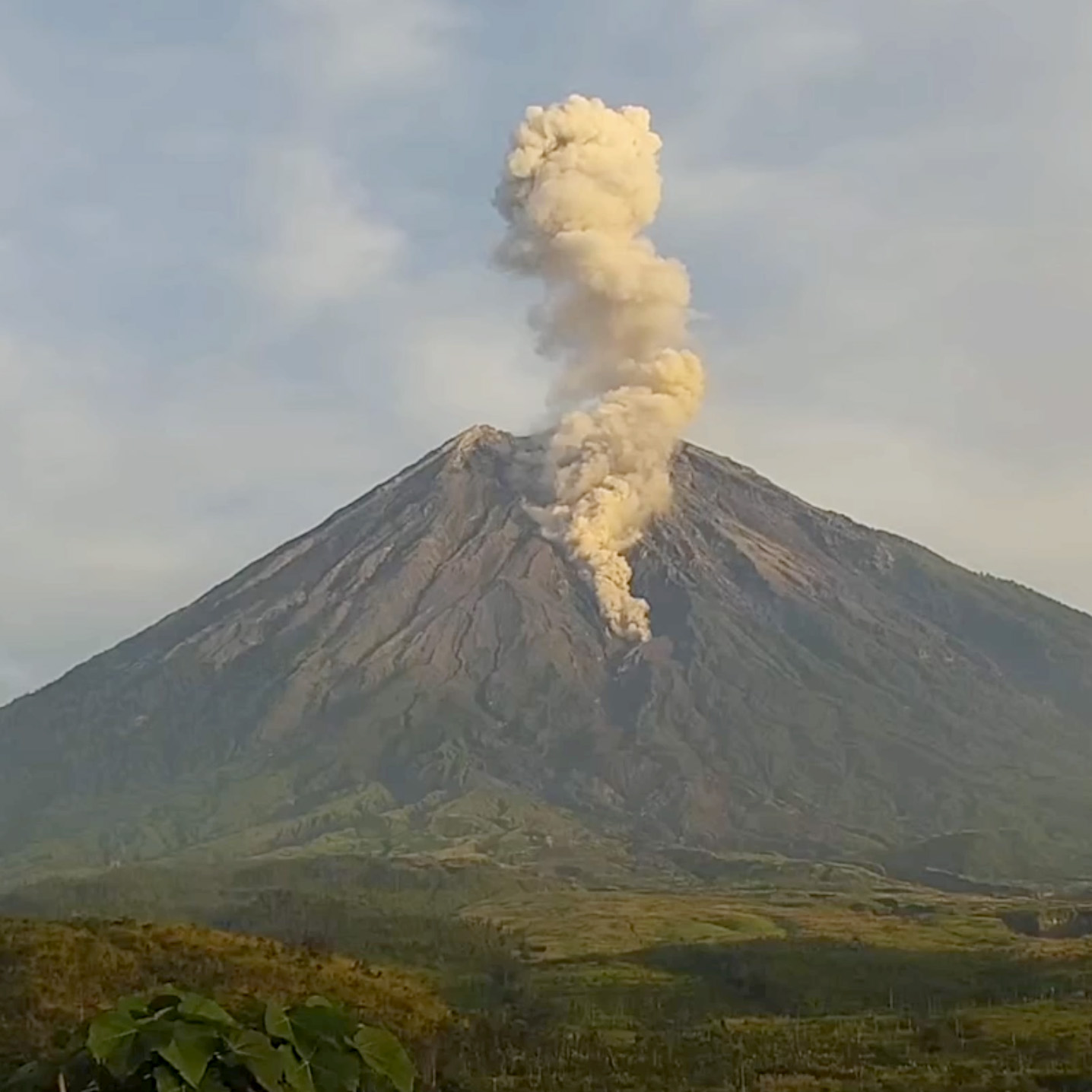
Revisit eruption sequences, compare visible activity across time and support the development of approaches to eruption prediction and early warning.
Use archived video and daily timelapses to explore training and evaluation datasets drawn from fixed-camera observations.
Discuss whether the available sequences can support your work on visible changes in landscapes, clouds, snow or weather. We can help identify camera locations and archive periods relevant to your research question.
These links show the locations in our current camera collection. Research archive coverage and dates are confirmed on request.
If our volcano video archives or daily timelapses could aid your research, tell us about your project using the form. We’ll discuss available footage and access arrangements.
[email protected]Fields marked * are required. Review your request, then open an email draft to [email protected].
If your mail app doesn’t open, copy the request and email it to [email protected]. This request has not been sent.